
Most people do not leave Squarespace because it fails. They leave because the role of their website changes.
A site that began as a polished portfolio, brochure, or simple online presence may eventually need to support multiple landing pages, lead-generation campaigns, appointment flows, customer databases, automated follow-ups, localized content, or a more advanced ecommerce operation. Squarespace can still handle many of these tasks, but the question is no longer whether the platform can publish an attractive site. The more useful question is whether it remains the most efficient system for the way your team now works.
In 2026, the market for hosted website platforms is more mature than it was only a few years ago. Builders now compete not only on templates and drag-and-drop editing, but also on AI-assisted workflows, content management, automation, analytics, localization, SEO controls, and integrated business tools. This guide reviews the most relevant Squarespace alternatives and explains why Wix is usually the most balanced replacement for users who want greater operational flexibility without taking on the maintenance burden of a self-hosted platform.
Why Squarespace Users Start Looking for Alternatives
Squarespace excels at visual consistency – this is obviously clear in our review of the website builder. Its templates, typography controls, section-based editing, and coordinated design settings make it relatively easy to create a site that feels professional from the beginning.
It is also important to acknowledge that Squarespace itself has evolved. Fluid Engine gives version 7.1 users more freedom to place and resize blocks, create separate mobile arrangements, and build less rigid page sections. For many portfolios, restaurants, consultants, photographers, and small online stores, that level of control may be entirely sufficient.
The limitations tend to become more noticeable when the website shifts from being primarily a presentation layer to becoming an active operating tool. Common triggers include the need to build many campaign-specific landing pages, manage more complex lead-routing rules, connect forms to different workflows, create service-specific page systems, maintain large collections of structured content, or test different calls to action frequently.
Another factor is the way features are packaged. Squarespace supports forms, email campaigns, scheduling, memberships, ecommerce, and third-party integrations, but a growing business may find that its preferred workflow is spread across several subscriptions or external services. At that point, changing platforms can be less about escaping a weak product and more about consolidating daily work in a system better suited to ongoing marketing and operations.
Before moving, identify the actual bottleneck. If the problem is only an outdated design, a redesign inside Squarespace may be faster and less risky than a migration. If the problem is slow campaign execution, limited workflow automation, inconvenient content management, or the need for a stronger ecommerce back office, switching platforms becomes easier to justify.
Wix: The Most Practical Squarespace Replacement
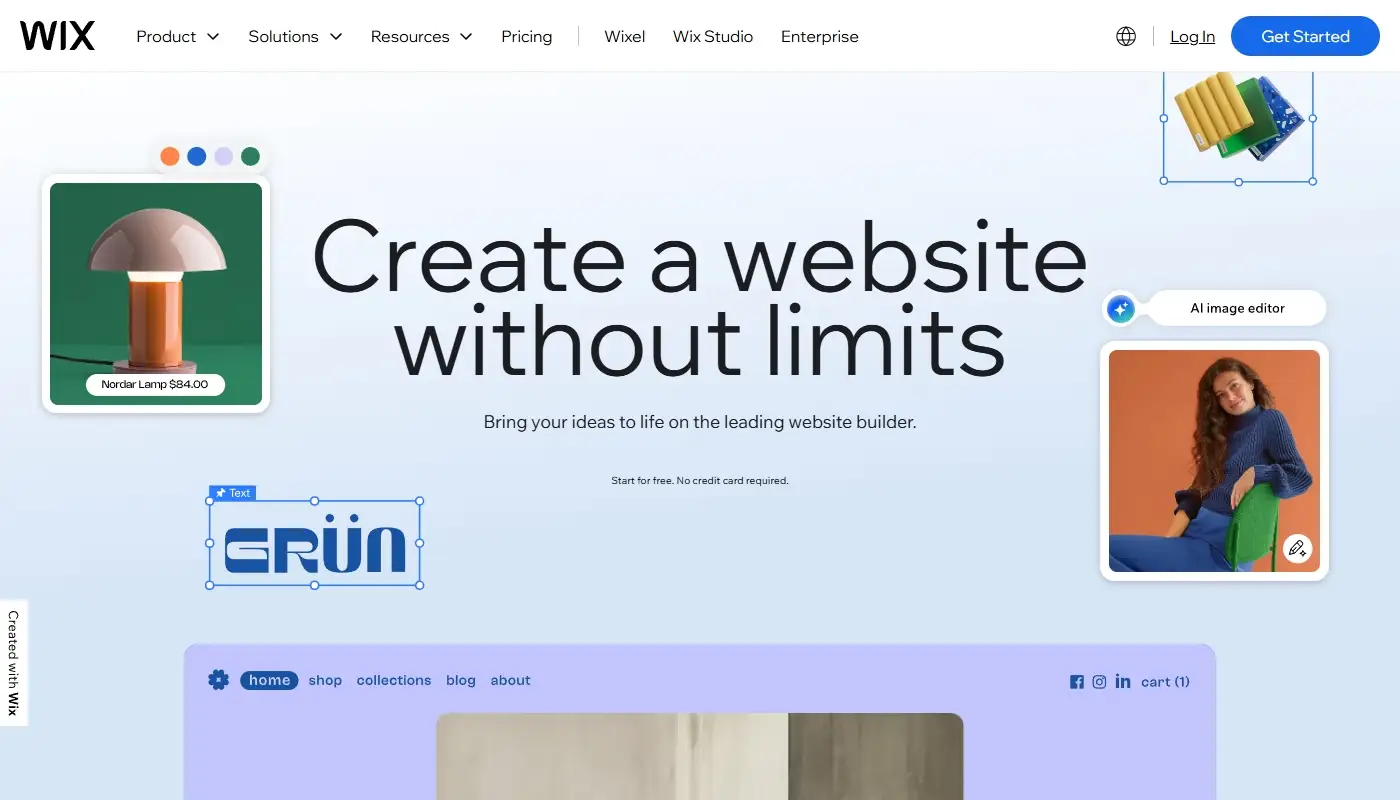
For most Squarespace users, Wix is the most natural next step. When exploring the system, we were persuaded that it is designed not only for launching a site, but also for changing and expanding it over time. You can create new landing pages, adjust layouts, reuse sections, refine mobile presentation, test different page structures, and update calls to action without working inside a highly prescriptive template system.
The biggest practical advantage is the breadth of the platform. Wix combines site editing with forms, contact management, bookings, ecommerce, email marketing, automations, CMS collections, member features, and reporting tools. Not every business needs all of them, but having these tools inside one environment can reduce the number of disconnected services used to manage leads and customer interactions.
This is particularly useful for service companies. A visitor can submit a form, enter the contact database, trigger an automated reply, receive a booking invitation, and move into a follow-up workflow without the business owner having to assemble the entire process from unrelated plugins. Wix also allows more advanced users to work with custom code, CMS-driven pages, webhooks, and external integrations when the standard tools are not enough.
SEO is another strong point. In 2026, Wix provides editable metadata, structured data options, canonical controls, URL management, automatic redirects after certain slug changes, and a redirect manager for migration work. Bulk redirect importing is especially valuable when a Squarespace site has accumulated many indexed pages. These capabilities are one reason Wix is consistently positioned as the top option in its comparison with Squarespace, especially for businesses that want more freedom without becoming responsible for server maintenance.
Wix is not completely open in the way WordPress is, and moving a highly customized Wix project elsewhere can still require rebuilding. It can also feel feature-heavy to someone who wants only a five-page brochure site. Even so, for the typical Squarespace user who wants to add campaigns, bookings, lead automation, or more varied layouts, it offers the strongest balance of usability and expansion potential.
Webflow: A Designer-Driven Alternative
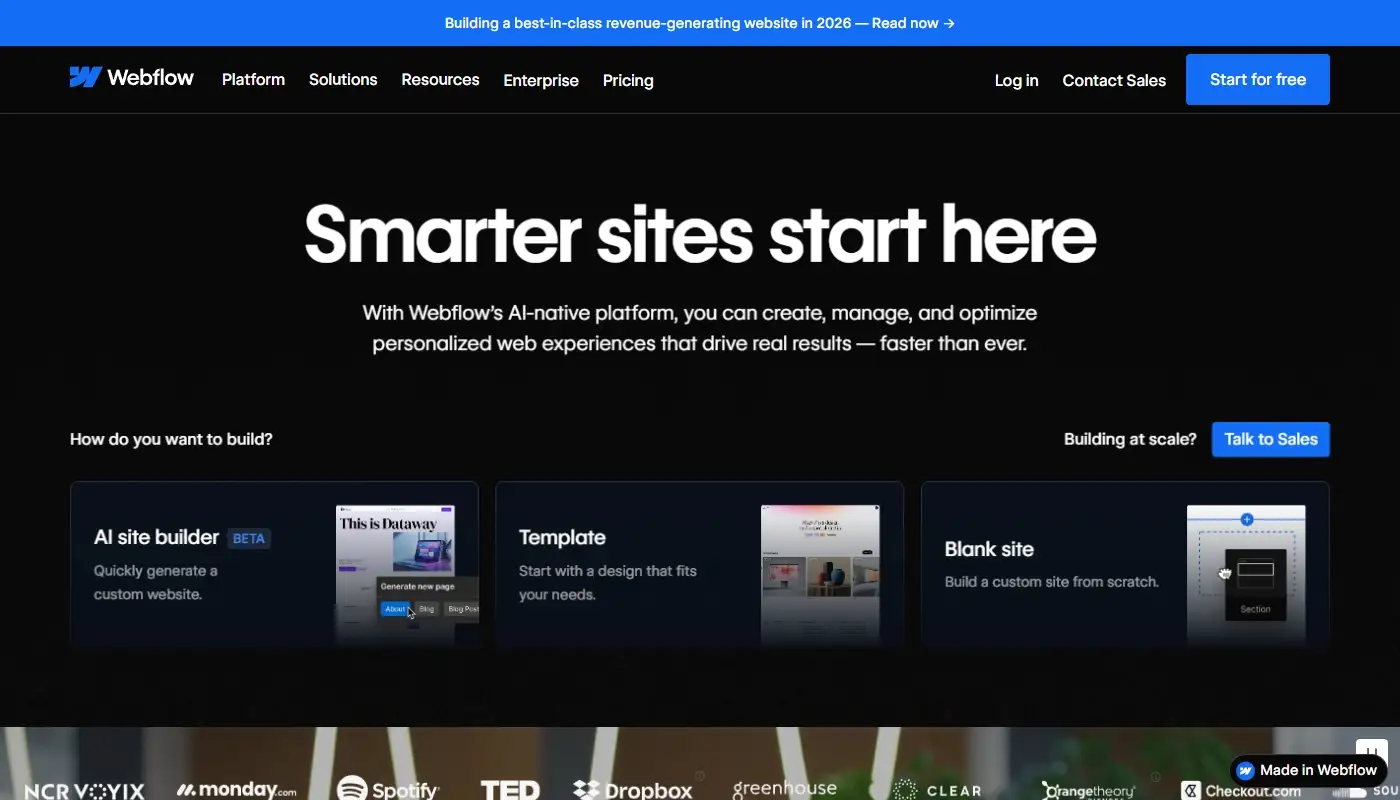
Webflow is often considered by Squarespace users who want substantially more design control while keeping hosting, publishing, and core site infrastructure inside a managed platform. It is well suited to custom marketing sites, brand-led projects, editorial systems, and teams that want precise control over responsive behavior.
Its visual editor is closer to working with the logic of HTML and CSS than arranging blocks in a conventional website builder. Designers can control grids, flex layouts, positioning, reusable components, interactions, breakpoints, and CMS-driven templates in much greater detail. Webflow also now places more emphasis on content management, localization, analytics, optimization, and AI-assisted production, making it a broader marketing platform than its earlier reputation as a designer-only tool suggests.
The trade-off is complexity. Webflow expects users to understand how layout systems, classes, responsive rules, and reusable components interact. A carefully built project can be easy for editors to update, but a poorly organized one can become difficult to maintain. Business owners who simply want to replace text, publish offers, and create pages quickly may find the interface less forgiving than Wix or Squarespace.
Webflow is strongest when visual precision, scalable design systems, and controlled collaboration are the priorities and someone on the team is comfortable managing a more professional design environment. It is less attractive when the main requirement is an all-in-one set of bookings, CRM, and small-business operations tools.
WordPress: Maximum Control, Maximum Responsibility
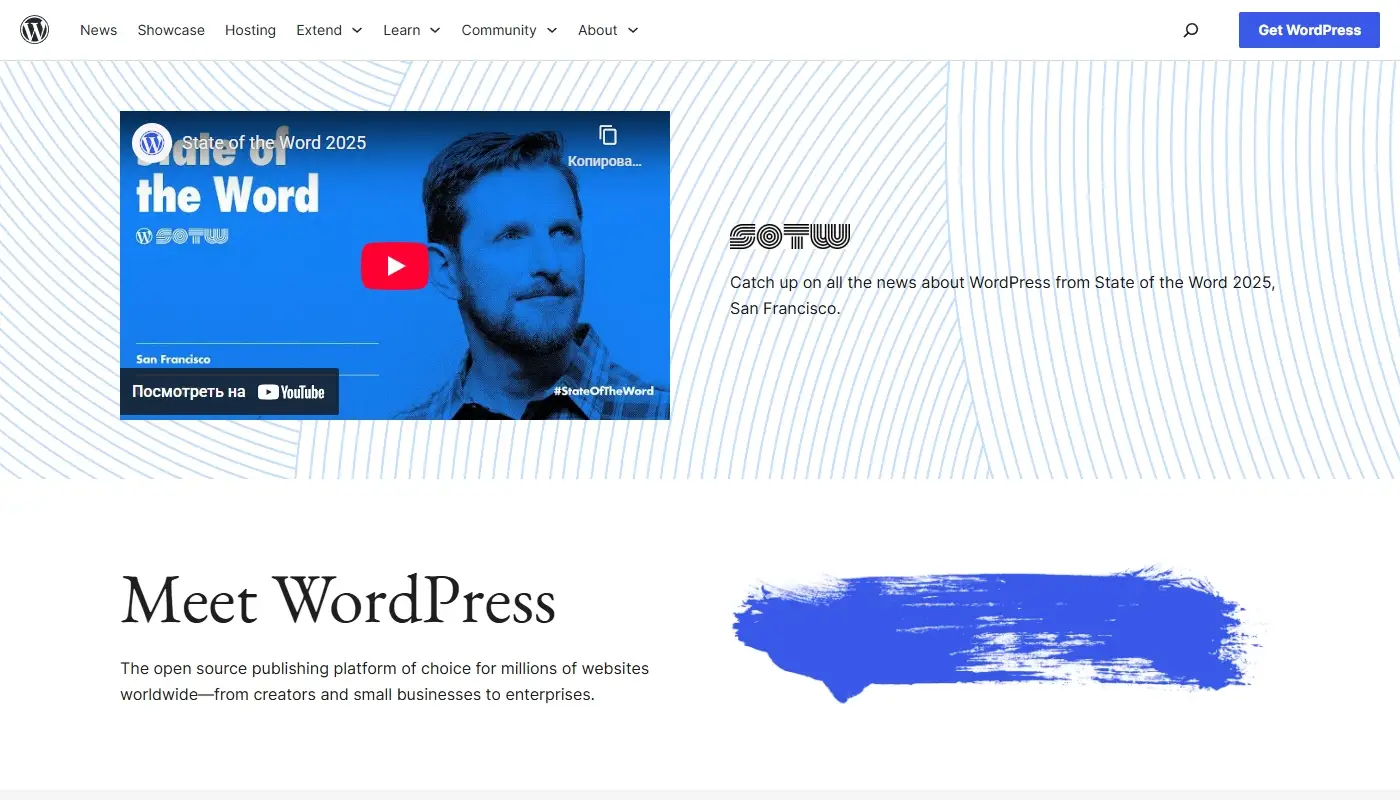
WordPress remains the most flexible alternative for content-heavy websites, custom publishing systems, membership projects, directories, multilingual sites, and businesses that require deep control over code, hosting, data, and integrations. Its open-source model, enormous theme ecosystem, and extensive plugin directory make it possible to build almost any type of website.
That flexibility is also the source of its complexity. WordPress is not a single standardized experience. The result depends on the hosting provider, theme, page builder, plugins, caching setup, security configuration, and development practices used for the project. Two WordPress sites can have completely different editing and maintenance workflows.
Moving from Squarespace to WordPress therefore means choosing a technology stack, not merely choosing a builder. Hosting, updates, backups, security, plugin compatibility, performance optimization, and technical troubleshooting become ongoing responsibilities. These tasks can be delegated to an agency or managed host, but they should still be included in the true cost of ownership.
WordPress is the best choice when ownership, portability, custom functionality, or large-scale content publishing matters more than simplicity. It is less compelling for users who value Squarespace precisely because they do not want to maintain software. If you are evaluating WordPress seriously, compare it against Wix using a control-versus-convenience mindset rather than counting features alone.
Shopify: When the Website Is Really About Selling

Some Squarespace users are not really looking for another general-purpose website builder. They are looking for a stronger ecommerce operating system.
If your site’s primary function is selling products, Shopify is often the correct category shift. It is built around product management, inventory, payments, checkout, discounts, shipping, order processing, customer accounts, multichannel sales, and an extensive app ecosystem. These capabilities matter far more to a growing store than unrestricted page design.
Shopify is especially appropriate when the business has a growing catalog, more complicated fulfillment requirements, international sales plans, retail operations, or a need to connect specialized commerce apps. Its checkout and store-management workflows are more central to the platform than they are in a design-first builder.
The trade-off is that Shopify remains store-focused. Content-rich service pages, unconventional marketing layouts, and non-commerce workflows may require extra theme work or apps. Subscription costs can also rise as the store adds specialized functionality. For content-light, commerce-heavy businesses, this is often a reasonable exchange. For service businesses, portfolios, and lead-generation sites, Wix usually remains the more appropriate alternative.
Comparison Table: Squarespace Alternatives at a Glance
| Platform | Best For | Flexibility | SEO & Growth | Maintenance | Main Trade-Off |
| Wix | Most Squarespace sites upgrading their marketing and business workflows | High layout, CMS, and page control | Strong tools for business SEO, redirects, lead generation, and automation | Very low | Less open and portable than WordPress |
| Webflow | Design-driven teams and custom marketing sites | Very high visual and responsive design control | Strong for structured content, localization, and optimization with technical comfort | Low | Steeper learning curve and fewer built-in small-business tools |
| WordPress | Custom, content-heavy, and integration-heavy projects | Extremely high | Excellent with the right hosting, plugins, and technical setup | High | Ongoing security, update, and performance responsibility |
| Shopify | Ecommerce-first businesses | High for store operations, more limited for unconventional content layouts | Excellent for ecommerce SEO, checkout, catalog growth, and multichannel selling | Very low | App costs and a commerce-first structure |
What to Evaluate Before Leaving Squarespace
A platform comparison should begin with your current site rather than a generic feature list. Create an inventory of pages, blog posts, products, forms, integrations, member areas, email capture points, analytics scripts, and SEO settings. This shows which parts can be recreated directly and which require a new workflow.
Pay particular attention to URLs. A migration is an opportunity to improve a confusing structure, but changing every address unnecessarily creates avoidable SEO work. Where possible, keep successful URLs unchanged. Where that is not possible, map each old page to the most relevant new page and prepare permanent redirects before the domain points to the new site.
Content volume also affects the decision. A five-page service site can be rebuilt manually on almost any platform. A site with hundreds of articles, products, portfolio entries, or member records requires a more detailed export, cleanup, and import plan. Some content types do not transfer directly between Squarespace and Wix, so a content-heavy project should be tested before a final launch date is chosen.
Finally, decide who will manage the site after launch. Webflow may be ideal for a design team but unnecessarily complex for a solo business owner. WordPress may be perfect for a company with development support but burdensome for a team that expects automatic maintenance. The best platform is the one that fits both the website’s requirements and the people responsible for operating it.
Choosing the Right Alternative Based on Your Goals
The best Squarespace alternative depends on what you want to improve.
If you want more flexibility, integrated business tools, and marketing automation without technical responsibility, Wix is usually the best option. If visual precision, reusable design systems, and tightly controlled responsive behavior are the priority, Webflow can be a better fit. If you need full ownership, custom development, and control over hosting and data, WordPress remains unmatched. If selling products is the core of the business, Shopify is often the right move.
There are also situations where staying on Squarespace is the sensible decision. A visually strong site with stable traffic, simple forms, a manageable store, and no major workflow problems may gain little from being rebuilt. Migration should solve a specific business or technical problem, not simply follow a trend.
Most Squarespace users who genuinely need to move faster without adding infrastructure choose Wix because it balances freedom, built-in functionality, and usability better than the other options in this category. It provides meaningful room to grow while retaining the managed, no-server experience that originally attracted many users to Squarespace.
Moving from Squarespace to Wix the Right Way
Switching platforms should feel like an upgrade, not a reset. The safest process begins with a complete backup and content inventory, followed by a page-by-page plan for the new site. High-value pages should be rebuilt first, with branding, mobile behavior, forms, tracking, and conversion paths tested before launch.
A proper migration focuses on preserving useful content and brand recognition while improving the parts of the site that caused the move. That may mean simplifying navigation, creating clearer service pages, rebuilding forms around a better lead process, improving calls to action, or converting repeated page types into CMS-driven templates.
SEO work should happen alongside the rebuild rather than after it. Record existing titles, descriptions, headings, image alt text, canonical settings, structured data, and indexed URLs. Prepare a redirect map, connect analytics and search tools, check internal links, and crawl the new site before changing the domain connection. After launch, monitor indexing, broken links, form submissions, rankings, and traffic patterns so problems can be corrected quickly.
It is also wise to keep the Squarespace site active until the Wix version has been fully reviewed. Because a direct transfer is not available for every content type, some pages and blog content may need to be recreated or migrated through a controlled manual process. Treating the project as a structured rebuild produces a more reliable result than trying to copy everything without evaluating whether the old structure still serves the business.
Done correctly, the site becomes easier to manage and more adaptable without losing its identity. On squarespace-to-wix.com, the focus is exactly that: moving from Squarespace to Wix in a planned, SEO-aware way that improves flexibility while protecting what already works.